Your LED display, controlled from your iPhone.
BoardMatrix turns an Adafruit MatrixPortal S3 and HUB75 LED panels into a display you control from your iPhone: a scoreboard for your club, a countdown on stage, an info board in your shop or a message sign in your workshop.
The app and firmware are free and ad-free. No account, no cloud, no internet required.
What you need
You can get the parts from common electronics retailers. No soldering required: the board plugs straight onto the panel.
Adafruit MatrixPortal S3
The ESP32-S3 board sits on the panel's HUB75 connector. Each display unit gets its own board.
HUB75 LED panels
One or more RGB panels, for example 64x32 pixels. Several panels are chained one after another.
5 V power supply
Strong enough for your panels. As a rule of thumb, allow up to 4 A per 64x32 panel at full brightness.
iPhone and computer
Your iPhone to control the display. For the firmware, once, a computer with Chrome or Edge and a USB-C cable that carries data.
How it works
Three steps from a box of parts to a running display.
Install the firmware
Connect the MatrixPortal to your computer via USB and install the firmware right in your browser. One board becomes the main unit, any further boards become extra units.
Open the web installerGet the app
Download BoardMatrix to your iPhone for free. Even without hardware you can try everything with "Try demo".
Pair
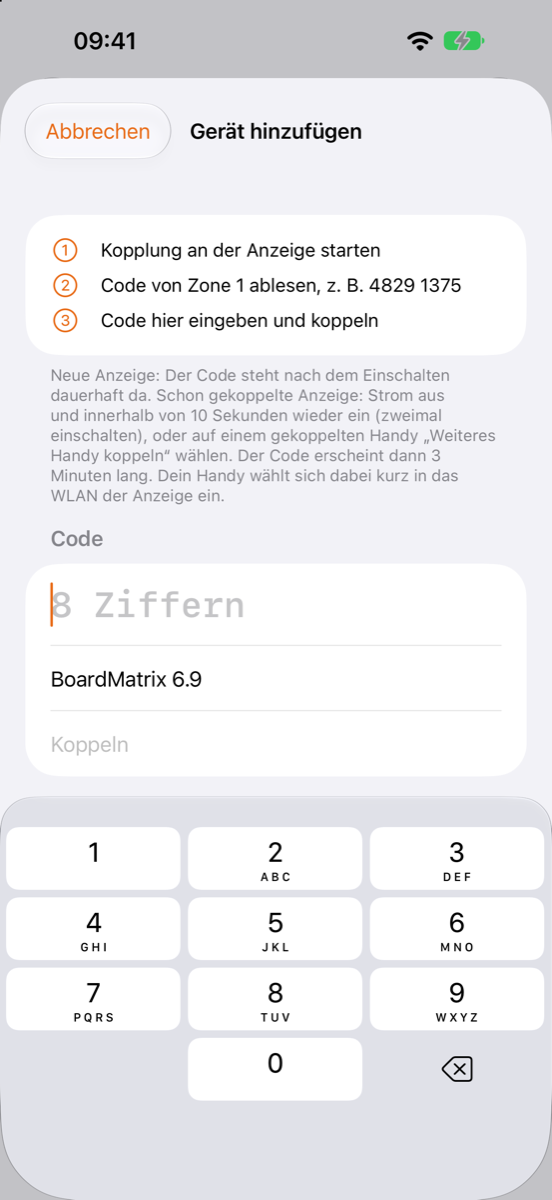
The display shows an 8-digit code. Tap "Add device" in the app and enter the code. The app joins the display's Wi-Fi on its own.
Features
Everything a scoreboard or sign needs, without any programming.
Multiple zones
Each zone shows its own content, even across several boards that stay in sync wirelessly.
Text
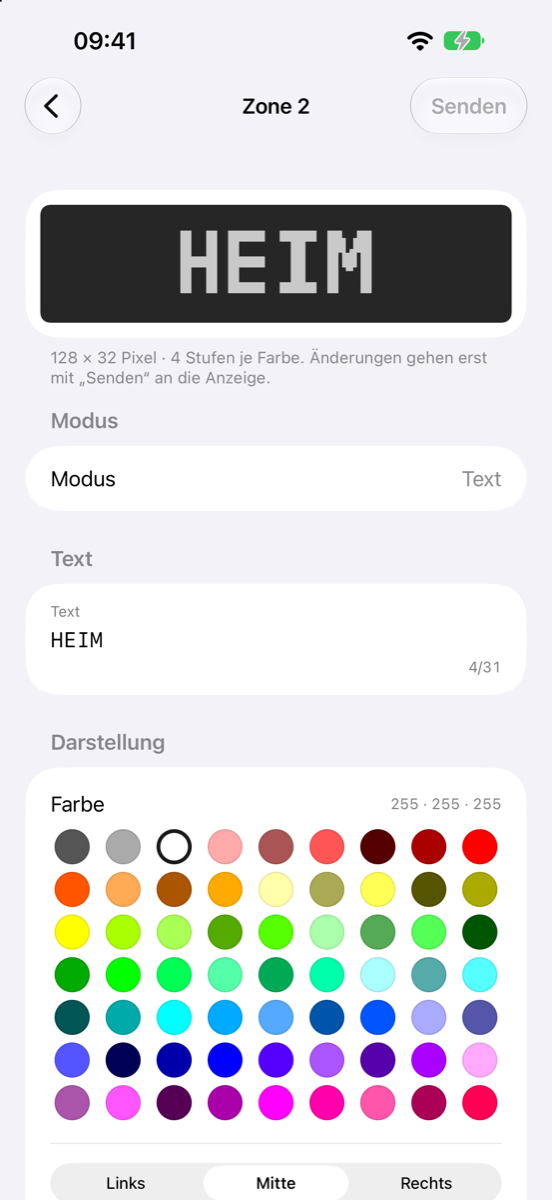
With colour, alignment and font size.
Counter
With a start value and automatic counting, for example for scores.
Countdown
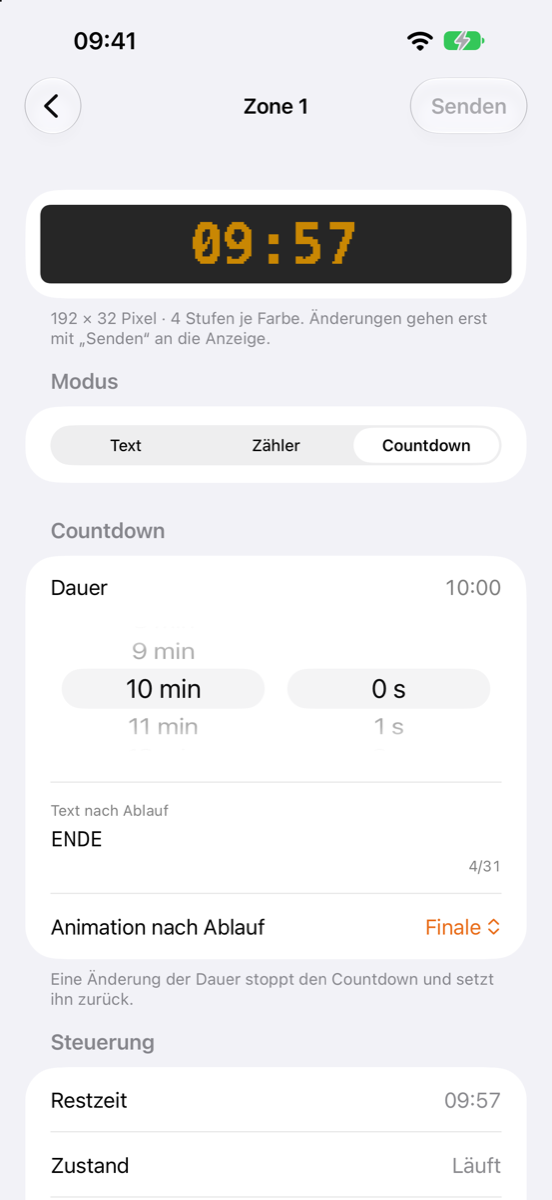
Start and stop, an end message and animations such as blink and finale.
Live preview
The app shows in LED style what is on the display right now.
Brightness
For all displays at once.
Assign devices
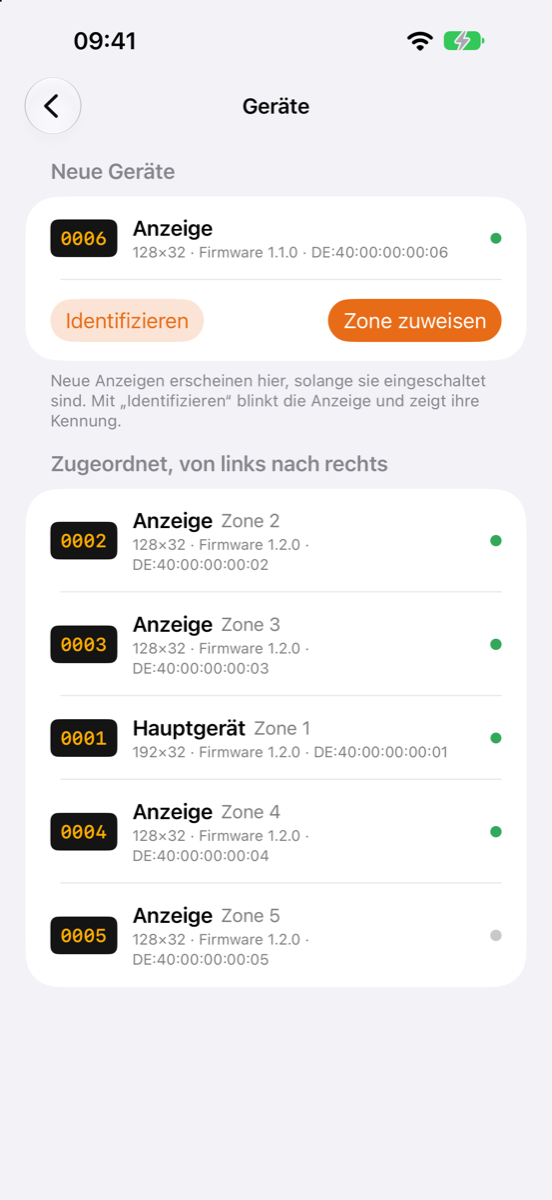
Detect new boards, identify them by blinking and assign them to a zone.
Secure pairing
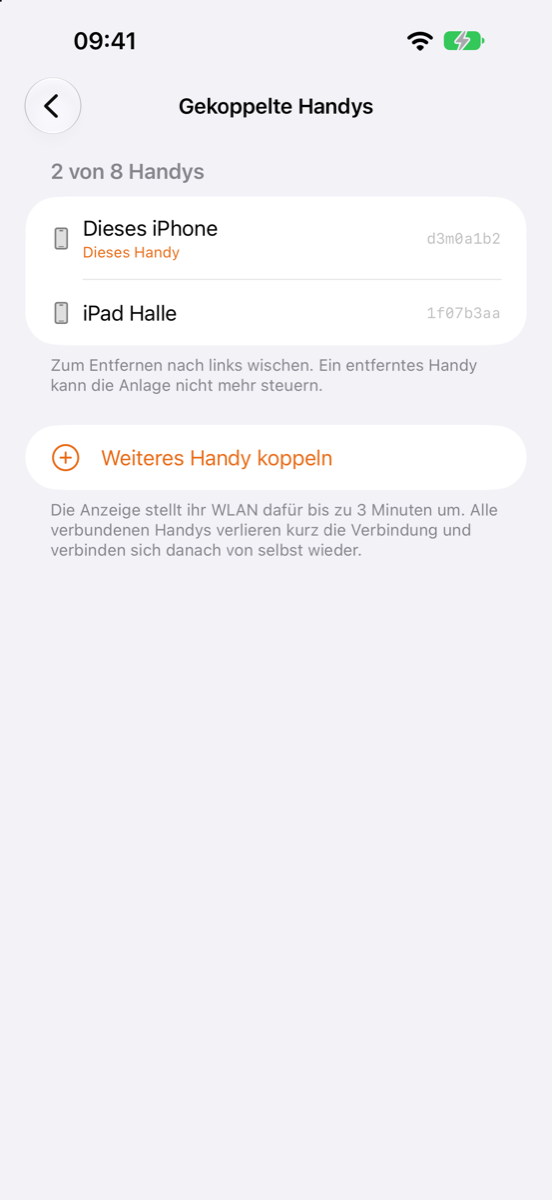
Nobody can change anything without pairing. Up to 8 phones per display, each removable on its own.
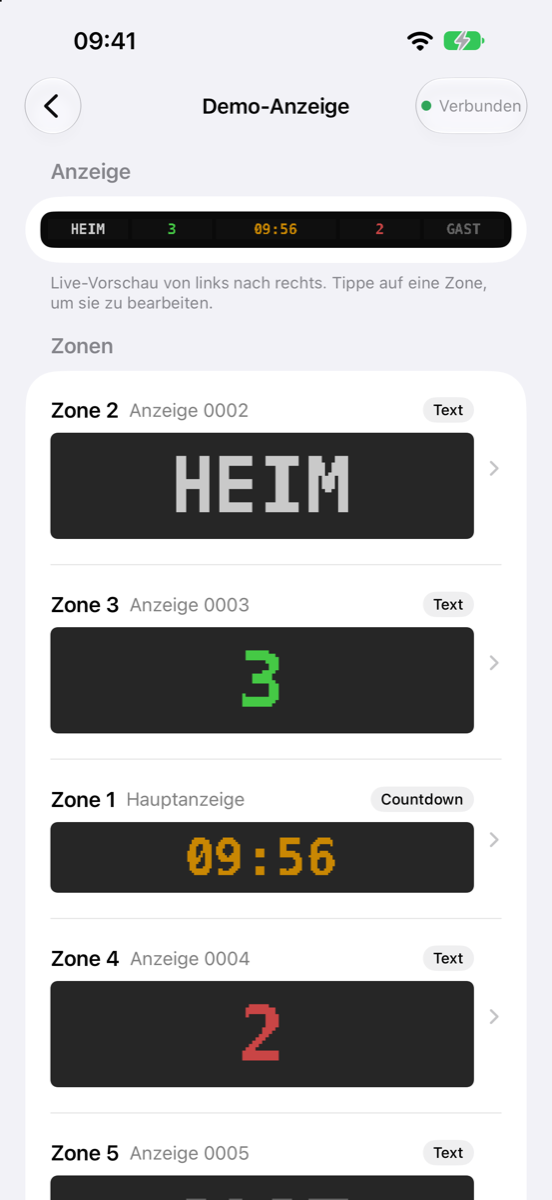
What the app looks like
Screenshots from the demo mode (German version). Click an image to enlarge it.
Frequently asked questions
Your question is not here? Write to us, the address is below.
Do I need internet or an account?
No. The app talks directly to your display's Wi-Fi. There is no account, no cloud and no server of ours in between.
How do I pair another phone?
On a phone that is already paired, choose "Pair another phone" in the app. Or switch the display's power off and back on within 10 seconds. The display then shows a code for 3 minutes, which you enter on the new phone.
I no longer have a paired phone. What now?
Reset the display to factory settings: hold the Boot button on the MatrixPortal for 5 seconds while switching it on. It then shows a new code. Your settings and all pairings are deleted.
How many boards can I connect?
One board is the main unit that provides the Wi-Fi for the app. Further boards run as extra units and receive their content wirelessly from the main unit. In the app you assign each board its zone.
Is BoardMatrix available for Android?
For now the app is only available for iPhone.
What does BoardMatrix cost?
Nothing. The app and firmware are free and ad-free.
Privacy: The app collects no data, there is no tracking and no analytics. Details in the app privacy policy.
BoardMatrix is an independent project by mimag and is not affiliated with Adafruit Industries. Adafruit and MatrixPortal are trademarks of Adafruit Industries. App Store is a trademark of Apple Inc.